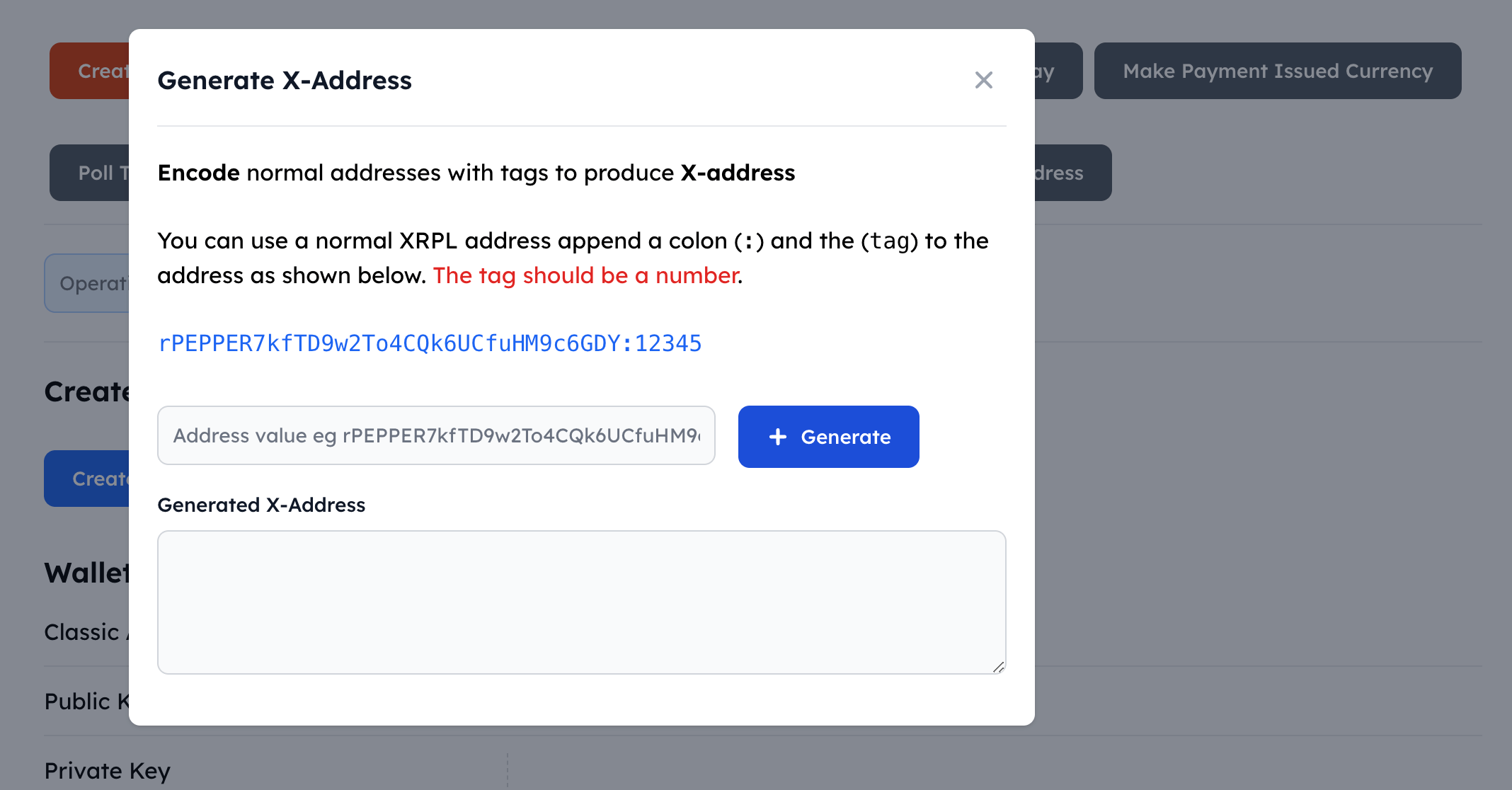
XRPL Operations
The XRPL Operations Dashboard allows one to quickly perform operations on the XRPL ledger such creating a wallet, making payments, polling accounts and issuing tokens.
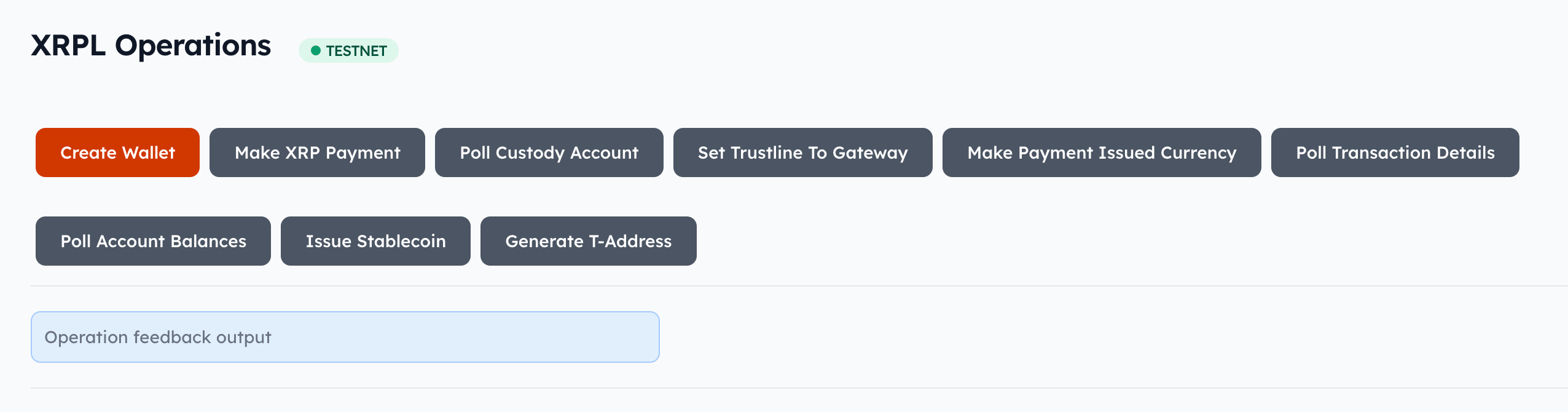
Create a Wallet
Select the Create Wallet tab to create a new wallet. A wallet is generated with the necessary details.
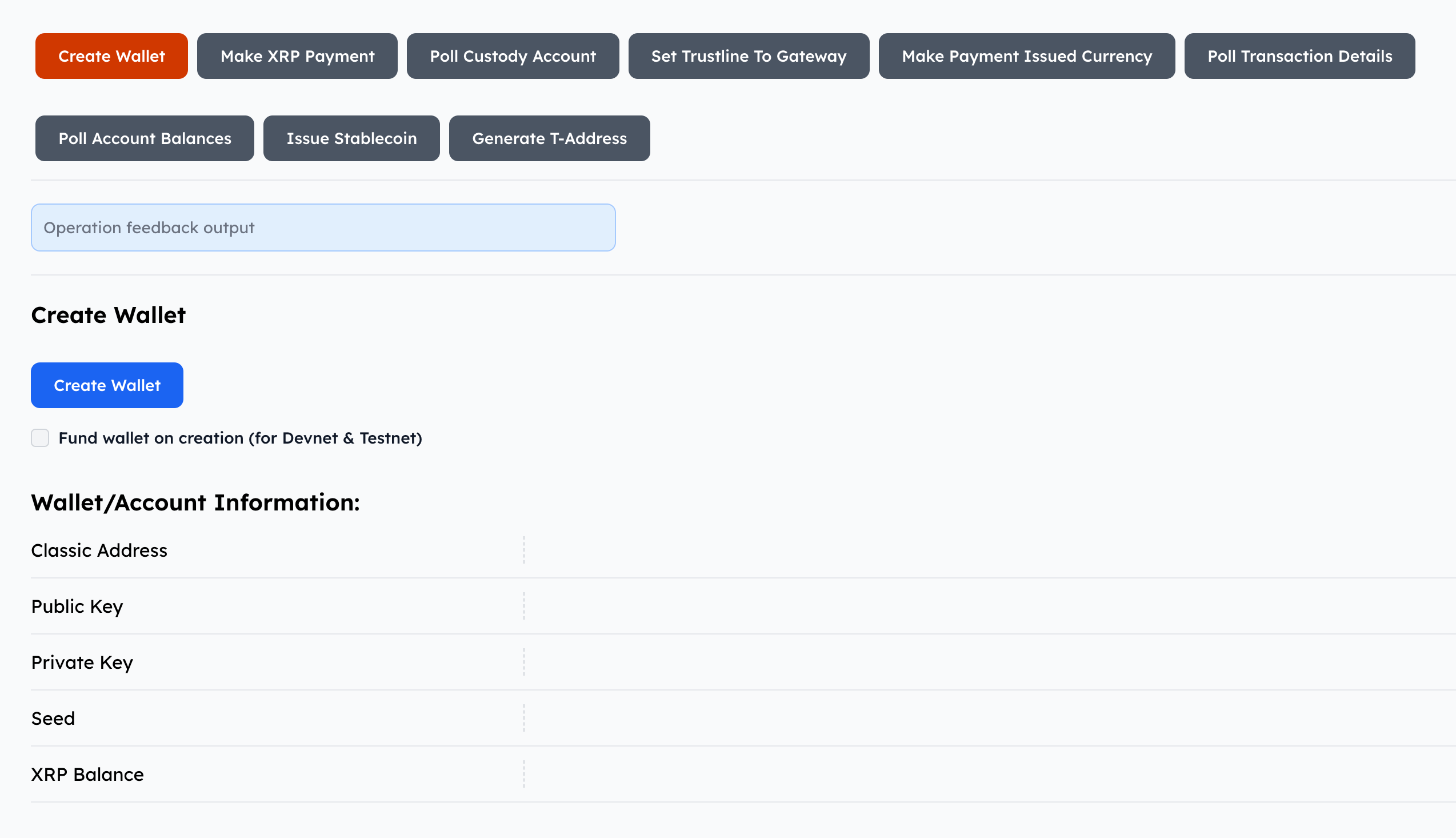
Make an XRP Payment
Select the Make a XRP Payment to transfer XRP between two accounts.
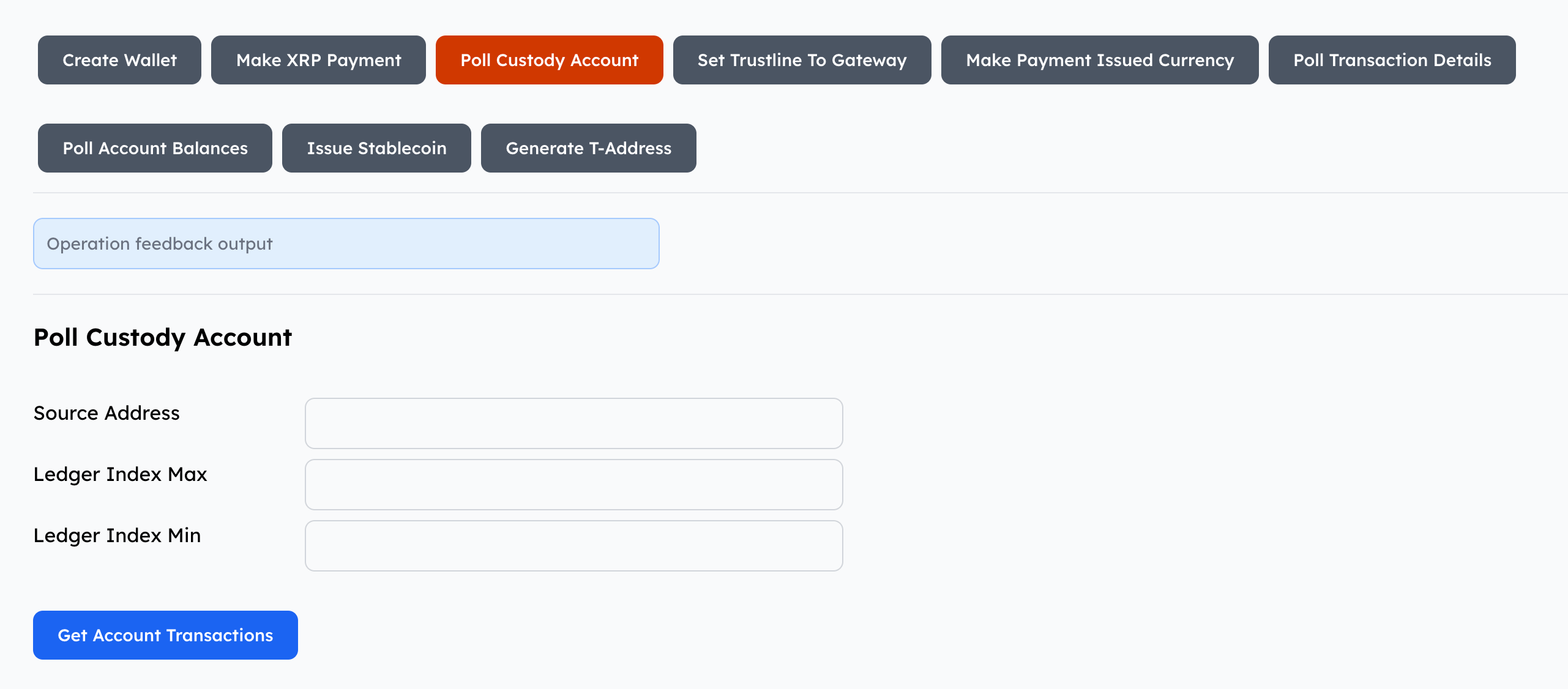
Poll Custody Account
Select the Poll Custody Account tab to check for any transactions with a custody account on the XRPL. A user can set a maximum and minimum value for the ledger indices.
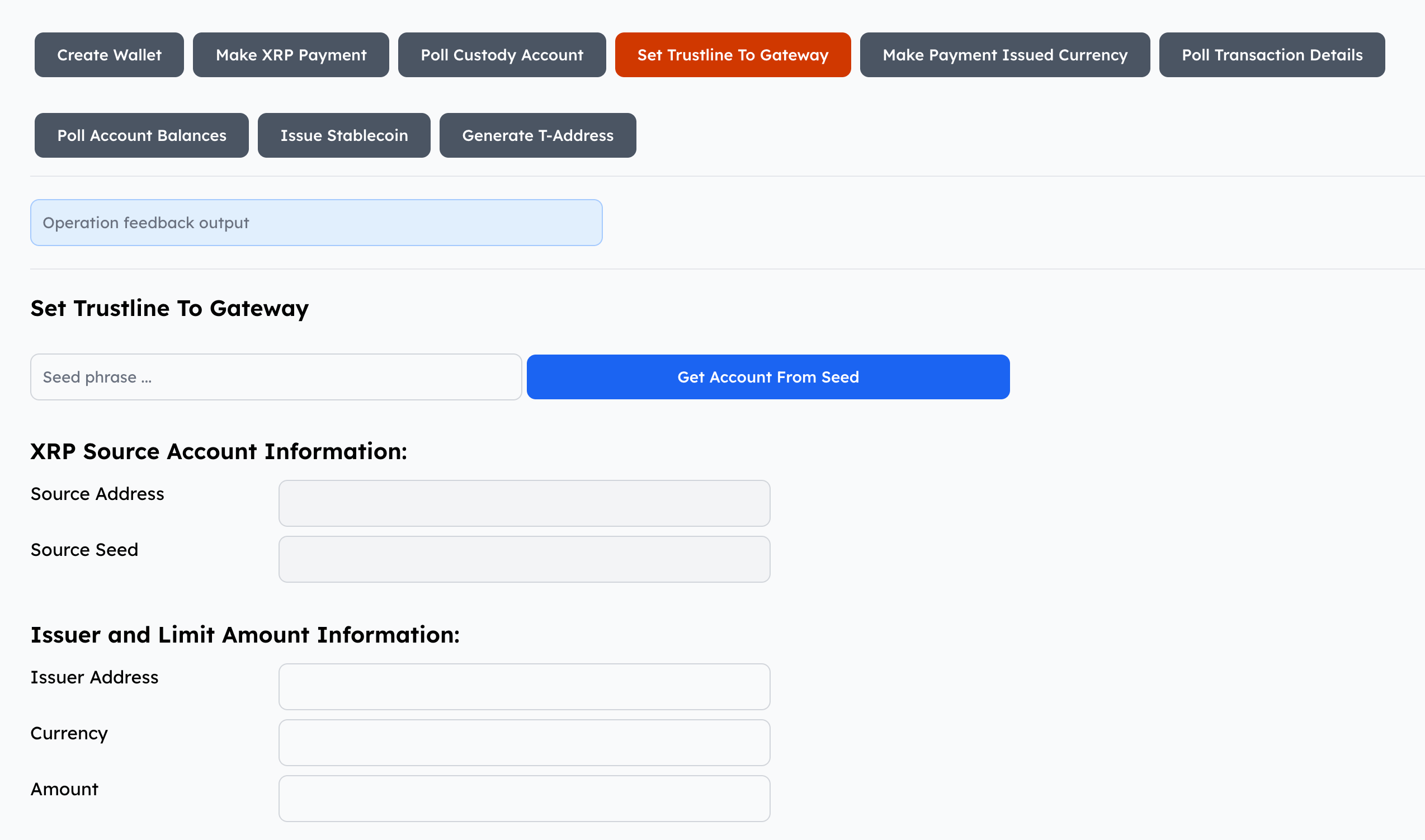
Establishing a Trustline
Select the Set Trustline to Gateway to establish a trust line between the accounts involved in the transfer. Set an account limit for the transfer.
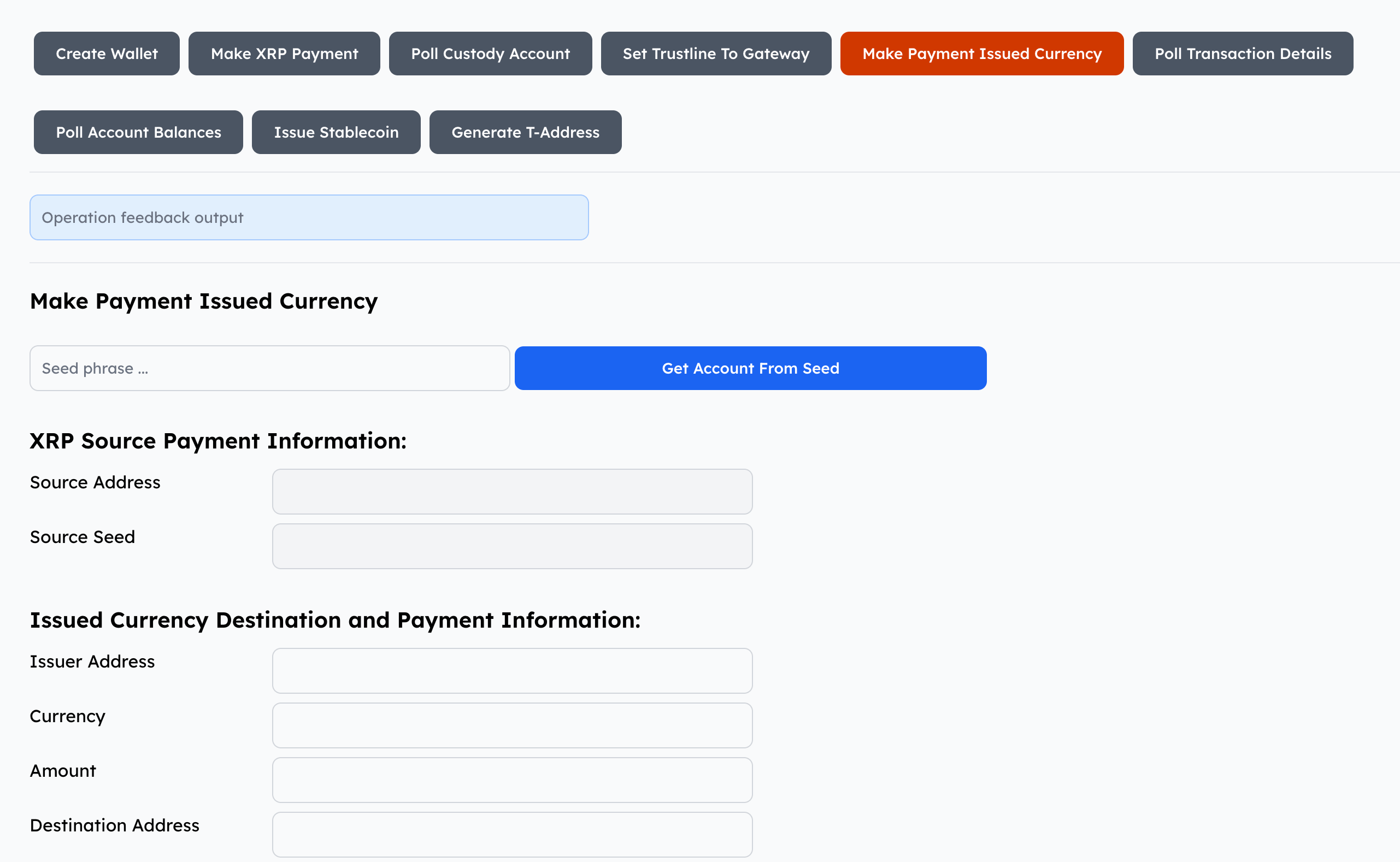
Make Payment Issued Currency
Select the Make Payment Issued Currency tab to make a payment with issued currency.
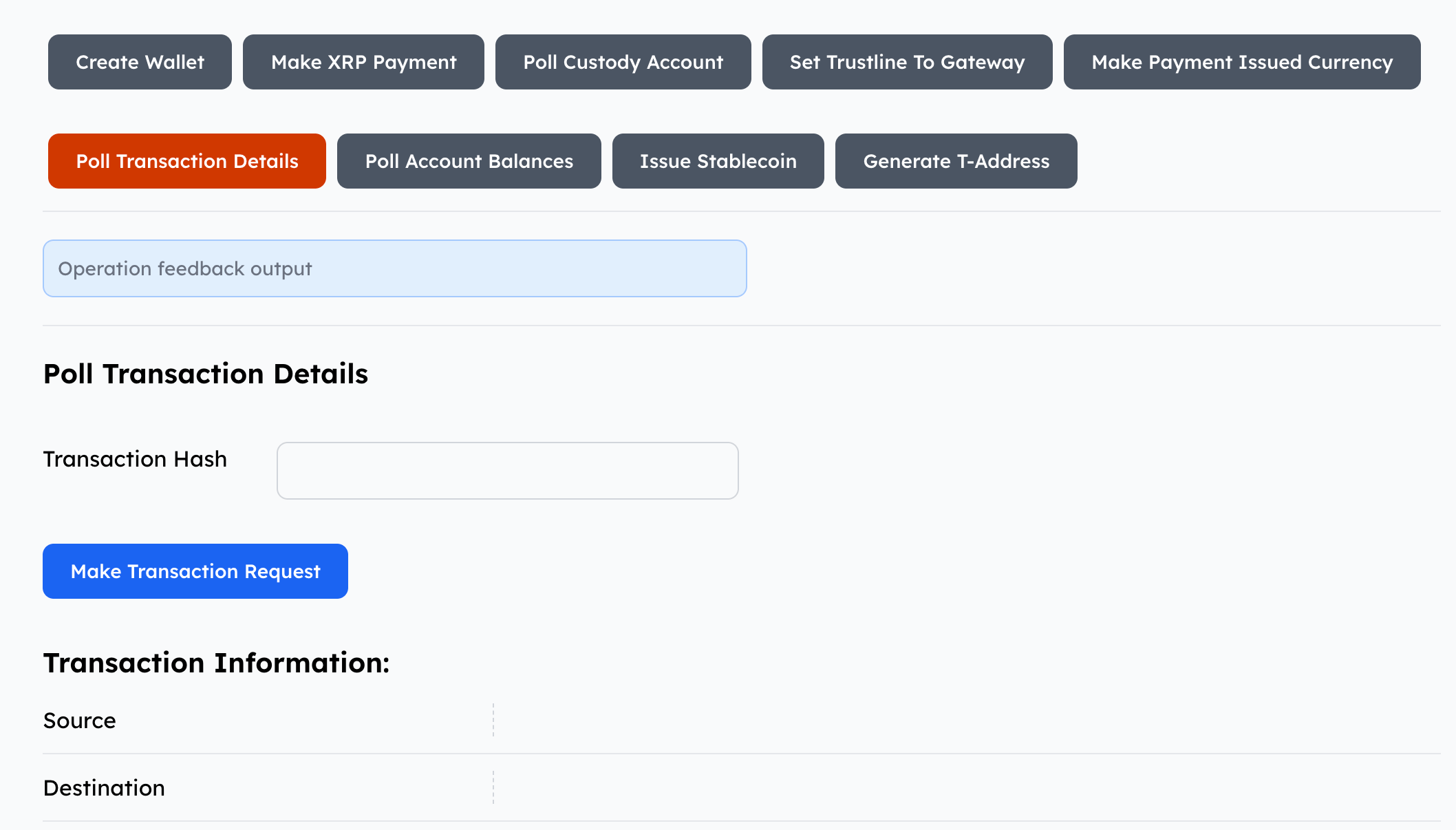
Poll Transaction Details
Select the Poll Transaction Details tab to get details of a particular transaction using the transaction hash to query the XRPL ledger.
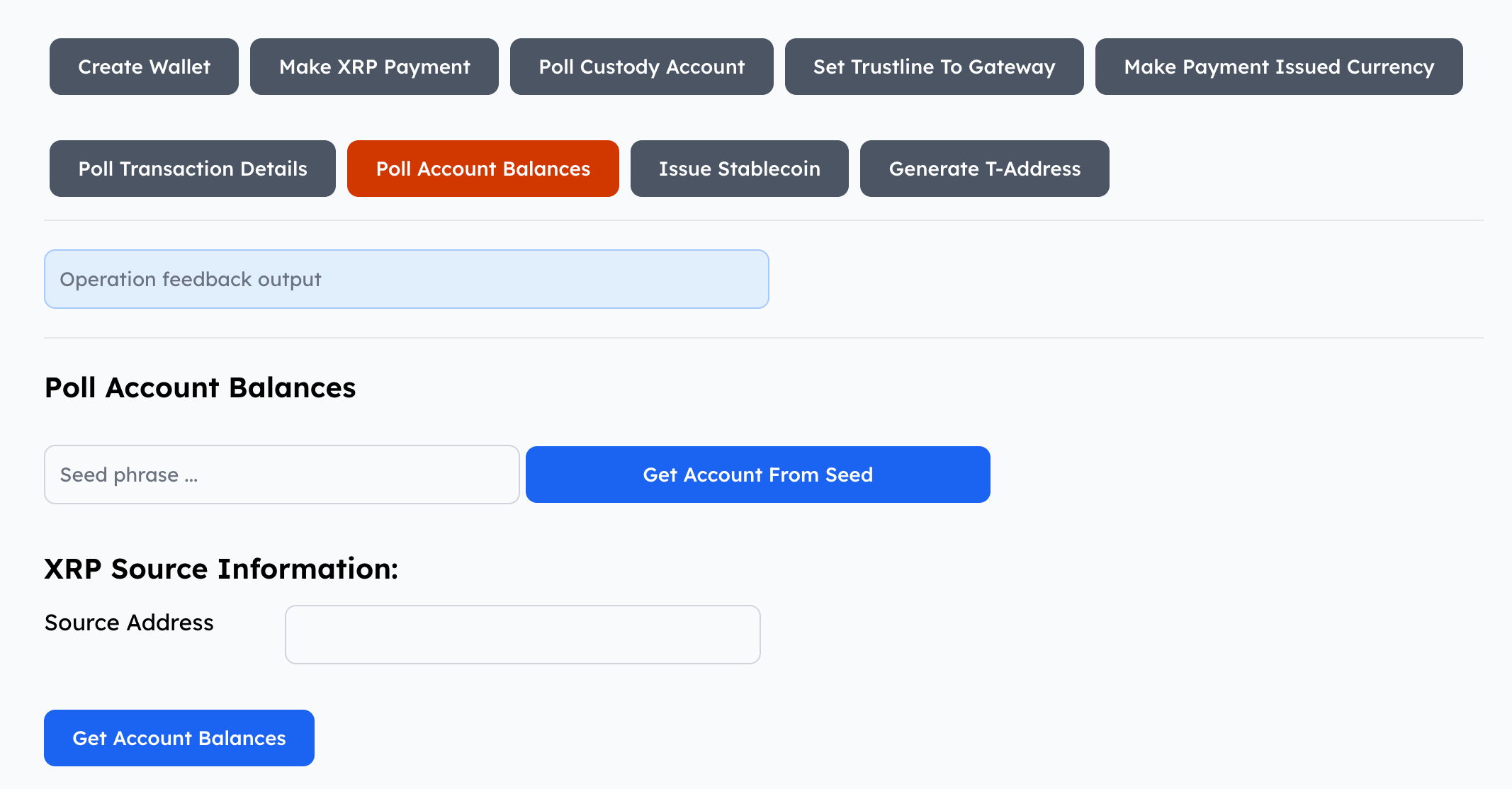
Poll Account Balances
Select the Poll Account Balances tab to get a record of the balances for an account.
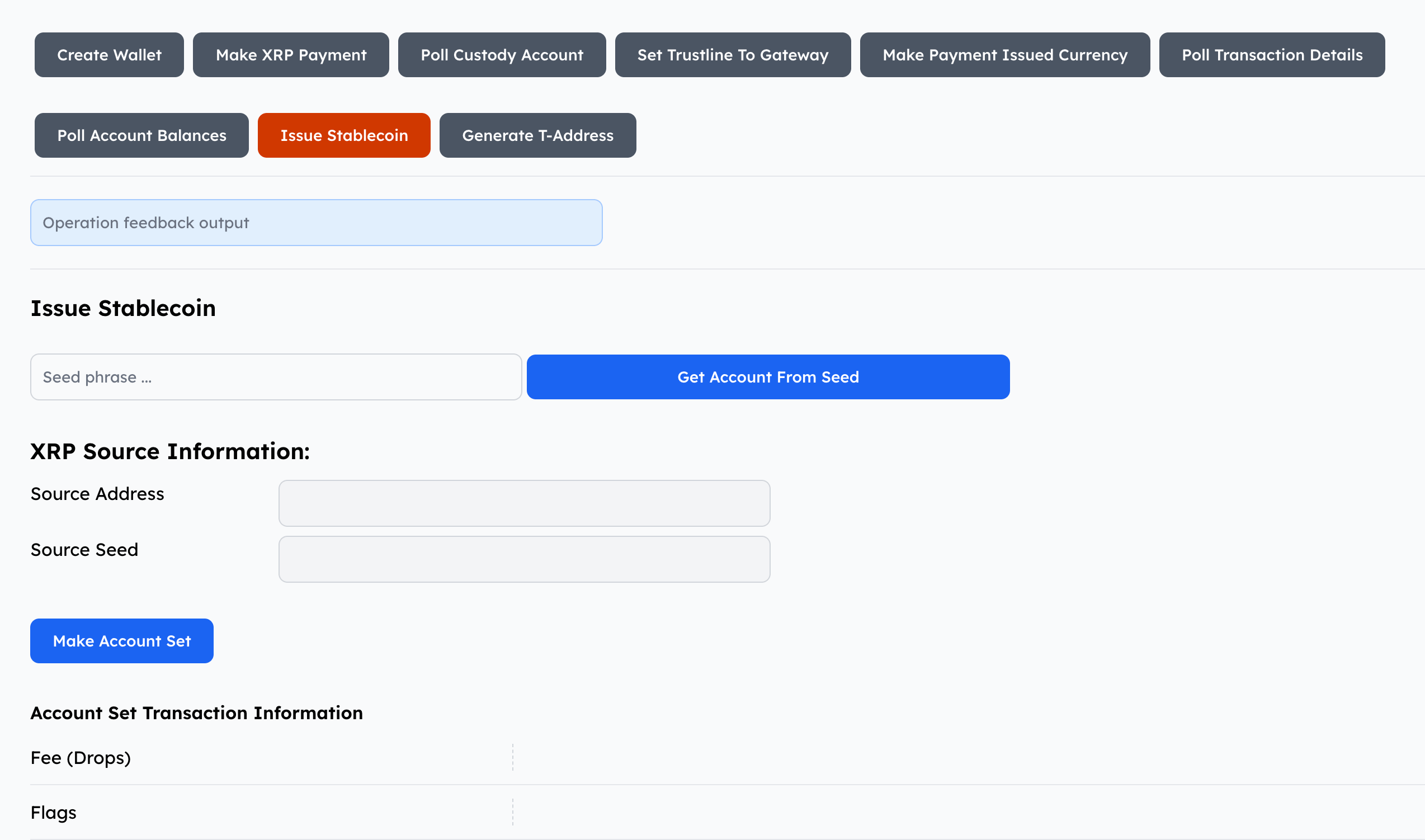
Issue Digital Token (Stablecoin)
Select the Issue Stablecoin tab to issue a digital token.
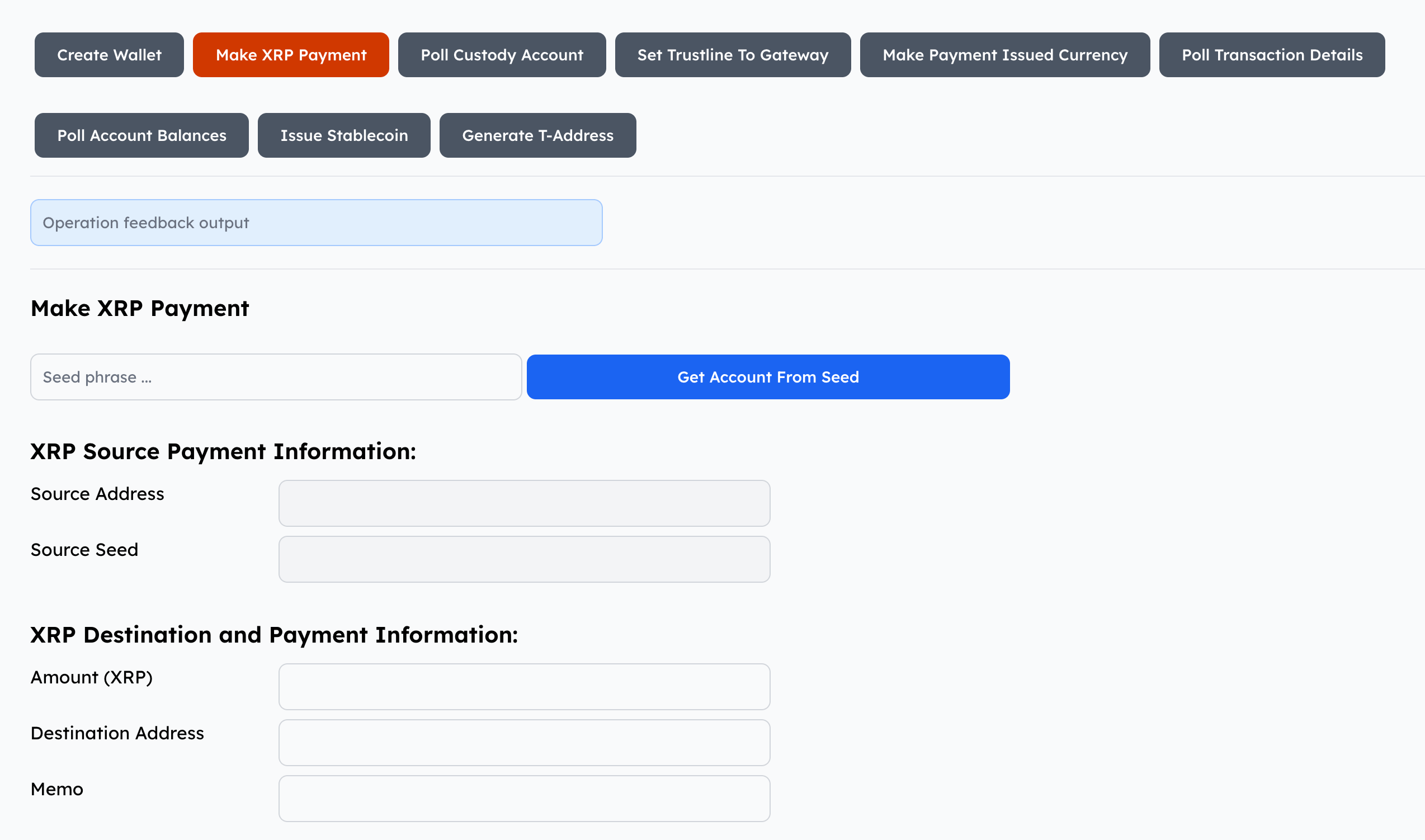
Generate X or T addresses
When connected to mainnet this option will appear as Generate X-address otherwise it will show Generate T-address.
Select the Generate X-address (mainnet) or Generate T-address(testnet) tab to generate an address that is tagged with a memo that you can use in payment transactions.