Wallet Setup and Usage
Requirements
The Mandla Wallet can be accessed via Whatsapp or SMS
To use Mandla SMS Wallet, please ensure that you have the following:
Device Requirements: Compatible with any mobile phone that supports SMS messaging.
Geographic Compatibility: Mandla Wallet is accessible through SMS in South Africa, United Kingdom, United States, and Australia.
To use Mandla Whatsapp Wallet, please ensure that you have WhatsApp installed on your mobile phone.
Getting Started
Mandla Wallet is a digital wallet that enables users to receive, transact, and store value using digital assets via SMS, without the need for a smartphone or an internet connection or via WhatsApp. It allows you to send and receive payments similar to using Apple Pay over text messages, with the XRP Ledger as the payment rail. For more information, visit https://mandla.money.
Depending on your location, follow these steps to get started:
- South Africa: SMS "Hello Mandla" to +27600410476
- United Kingdom: SMS "Hello Mandla" to +44 7458 157486
- United States: SMS "Hello Mandla" to +1 743 239 2972
- Australia: SMS "Hello Mandla" to +61 483 908 552
To access the Mandla Wallet via WhatsApp send a "Hello Mandla" message to +27600410476
Funding your Mandla Wallet
After successful registration, you need to send XRP to the Mandla Wallet custody account rBBFeyRk19orSKU8k9JhF1A7KcQgM1dqse along with your memo (provided during registration).
Alternatively, refer to the "HELP" section in the Wallet menu for instructions on receiving funds and funding your wallet.
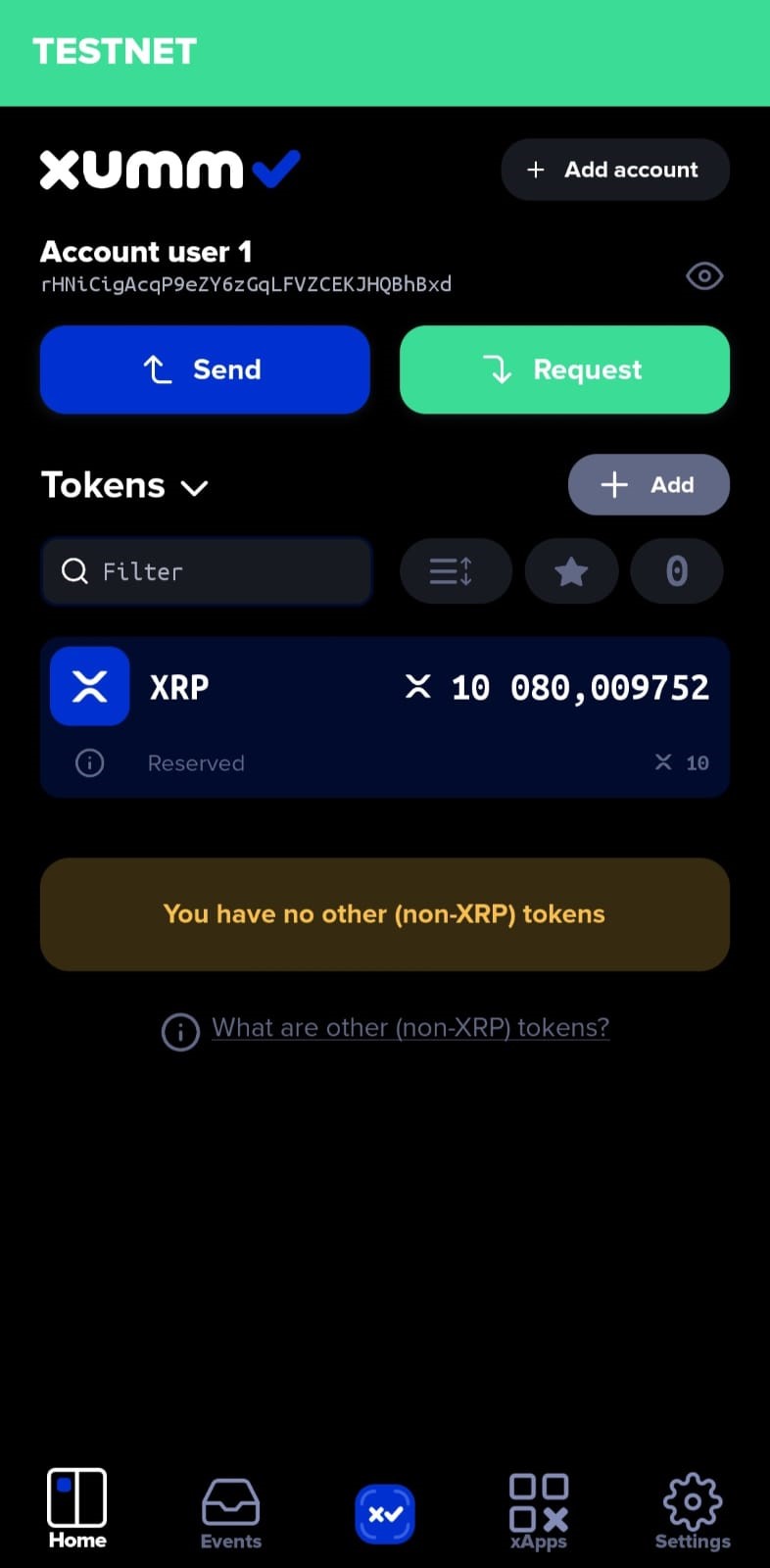
The illustration below shows how a registered user can access their Mandla Wallet account. This is shown using a Testnet version of the XUMM app which is a non custodial wallet to access the XRP ledger. For more information, visit the XUUM Website
- Select "ADD ACCOUNT" to setup your registered account on XUUM
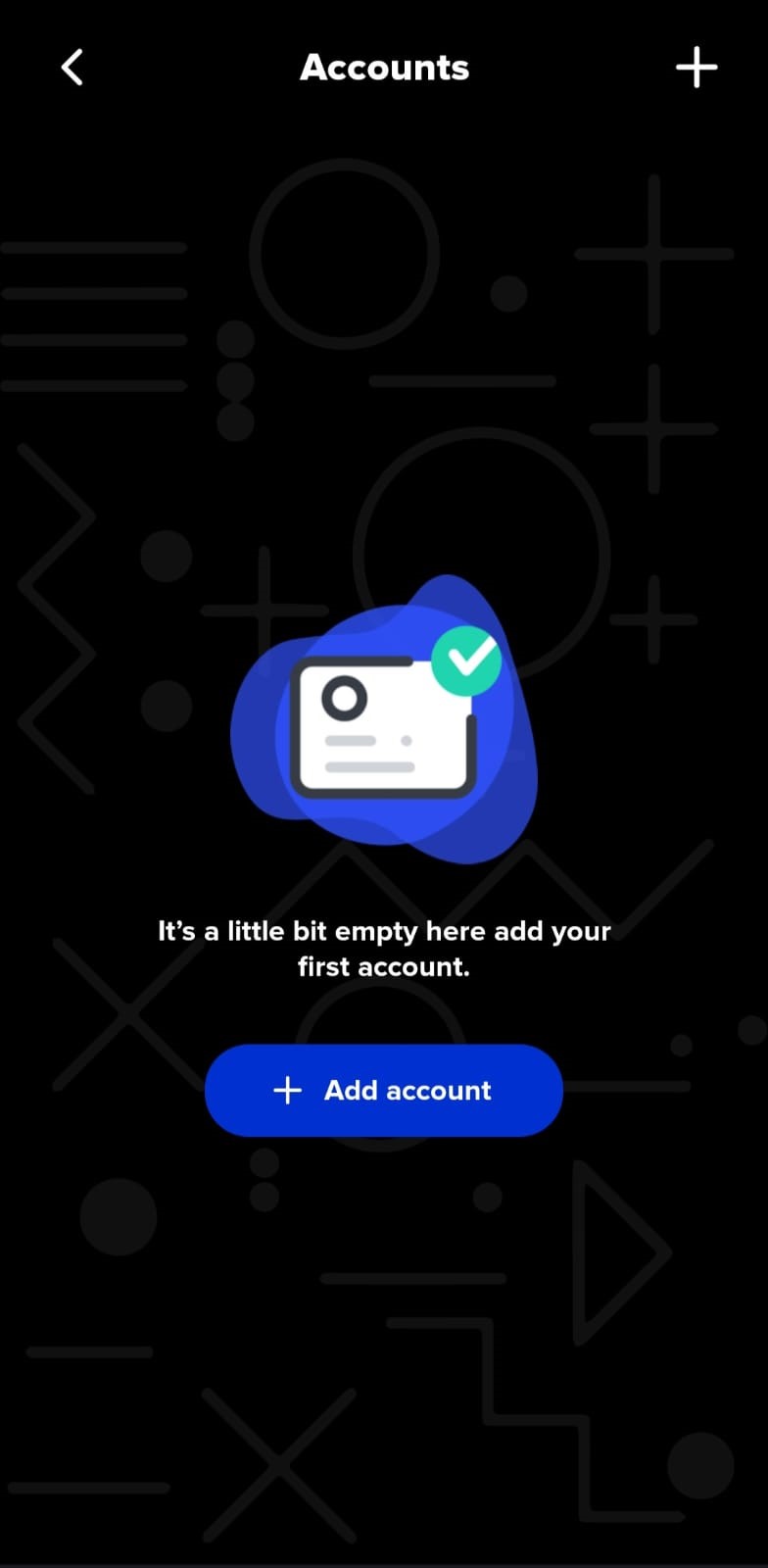
- Select "Import an existing account" and select "Full access" to allow for transactions to take place.
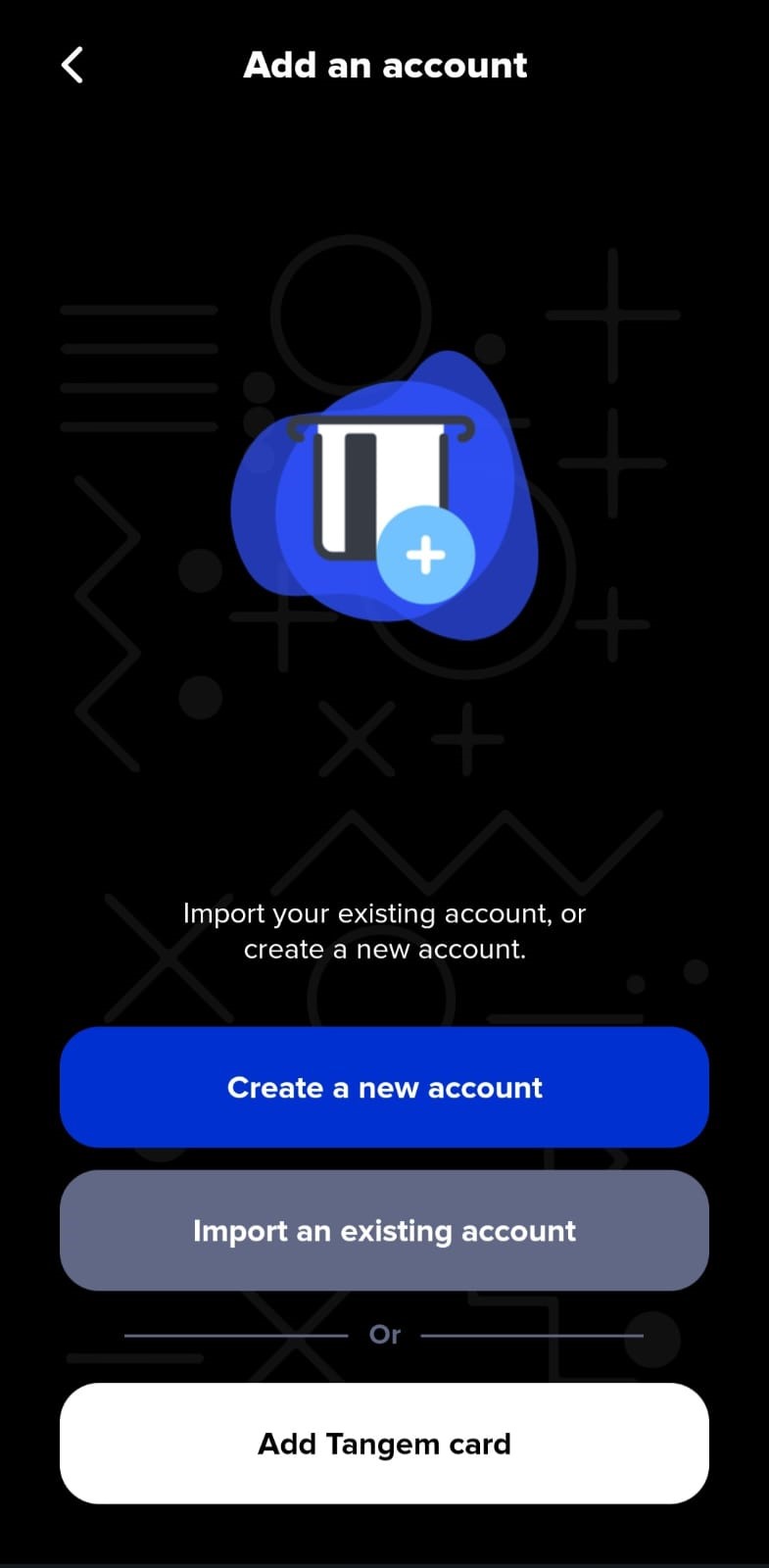
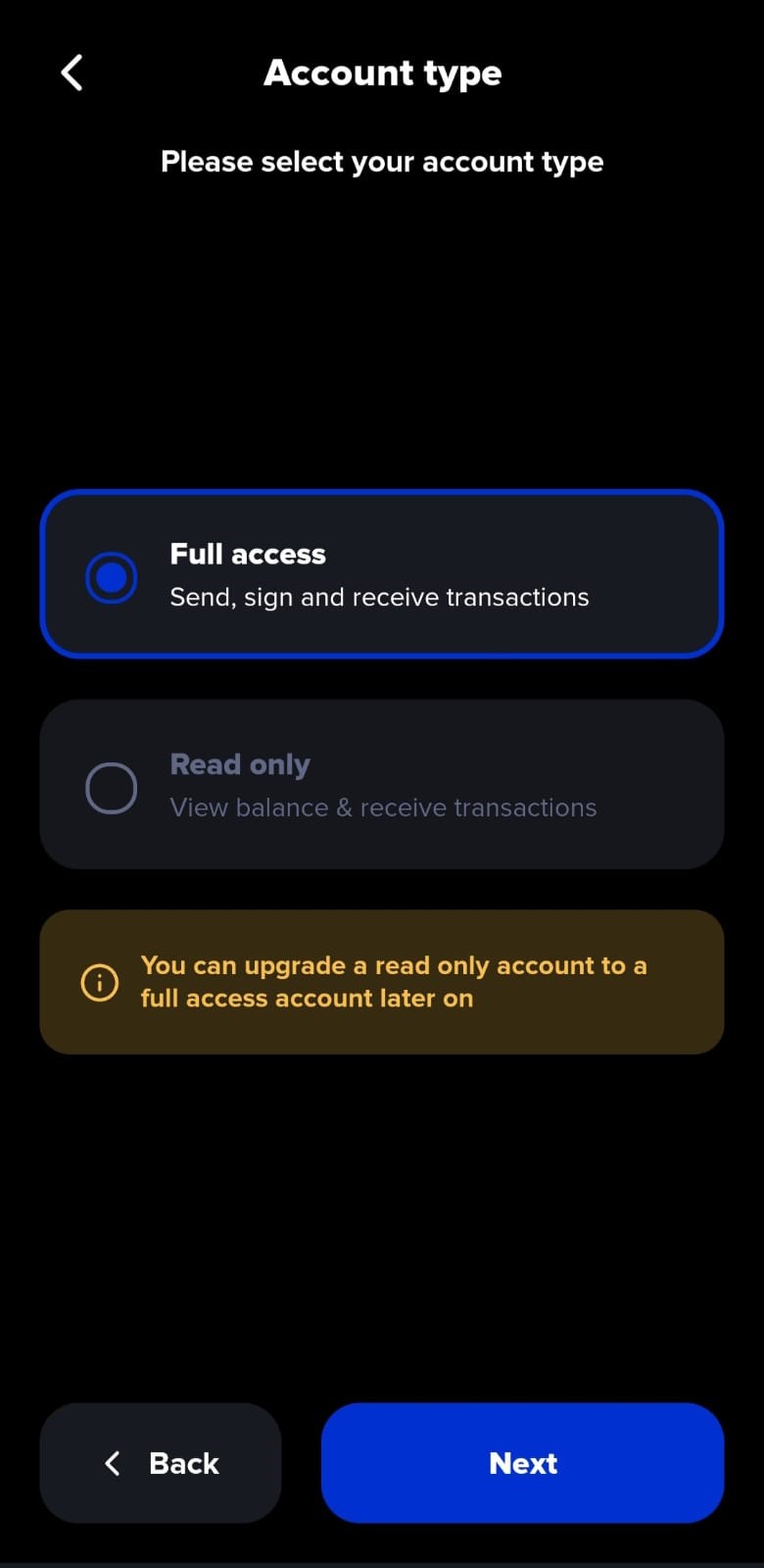
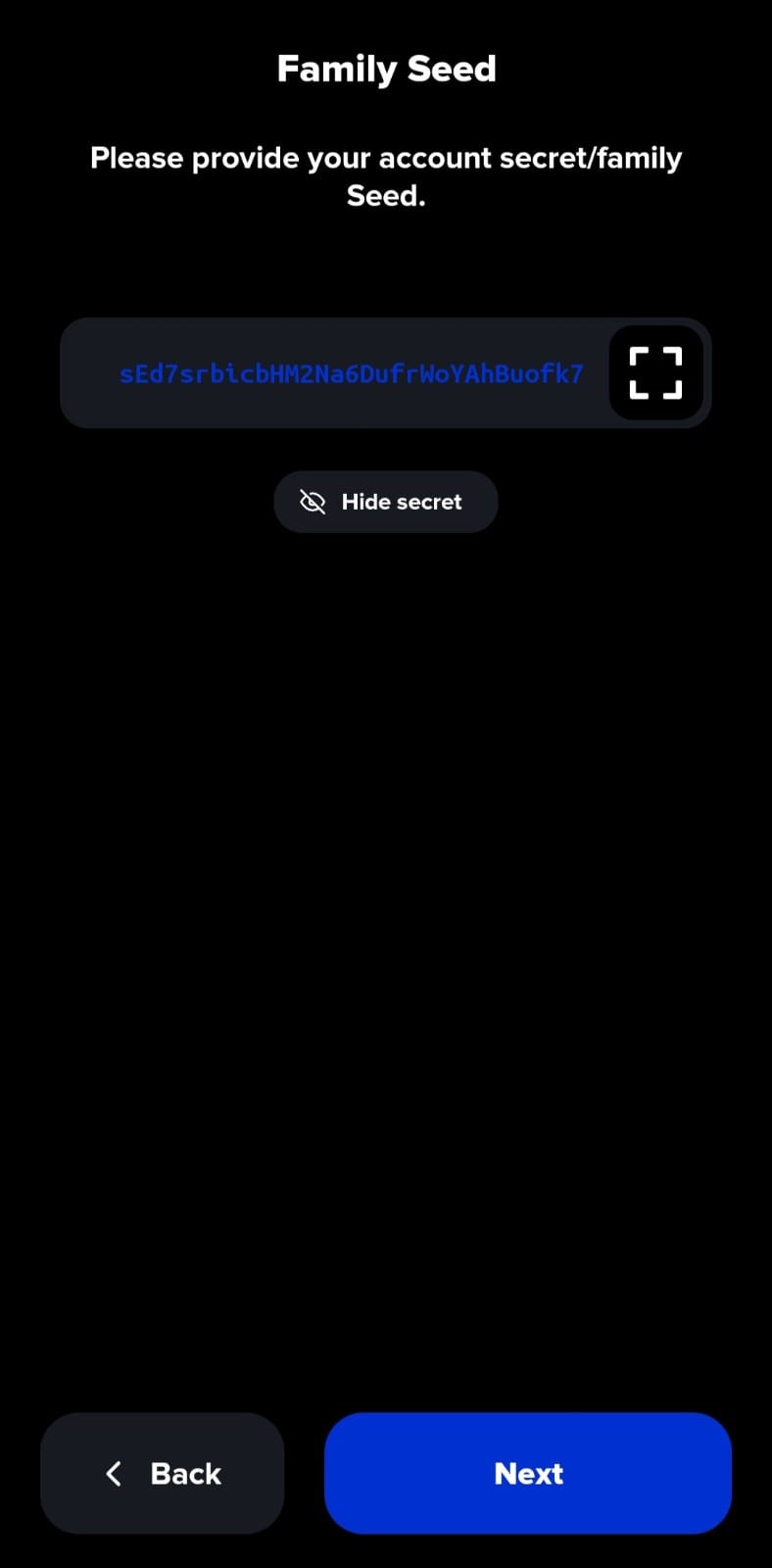
- Enter the secret "Family Seed" which is the private key/memo given to the user at the time of registration.
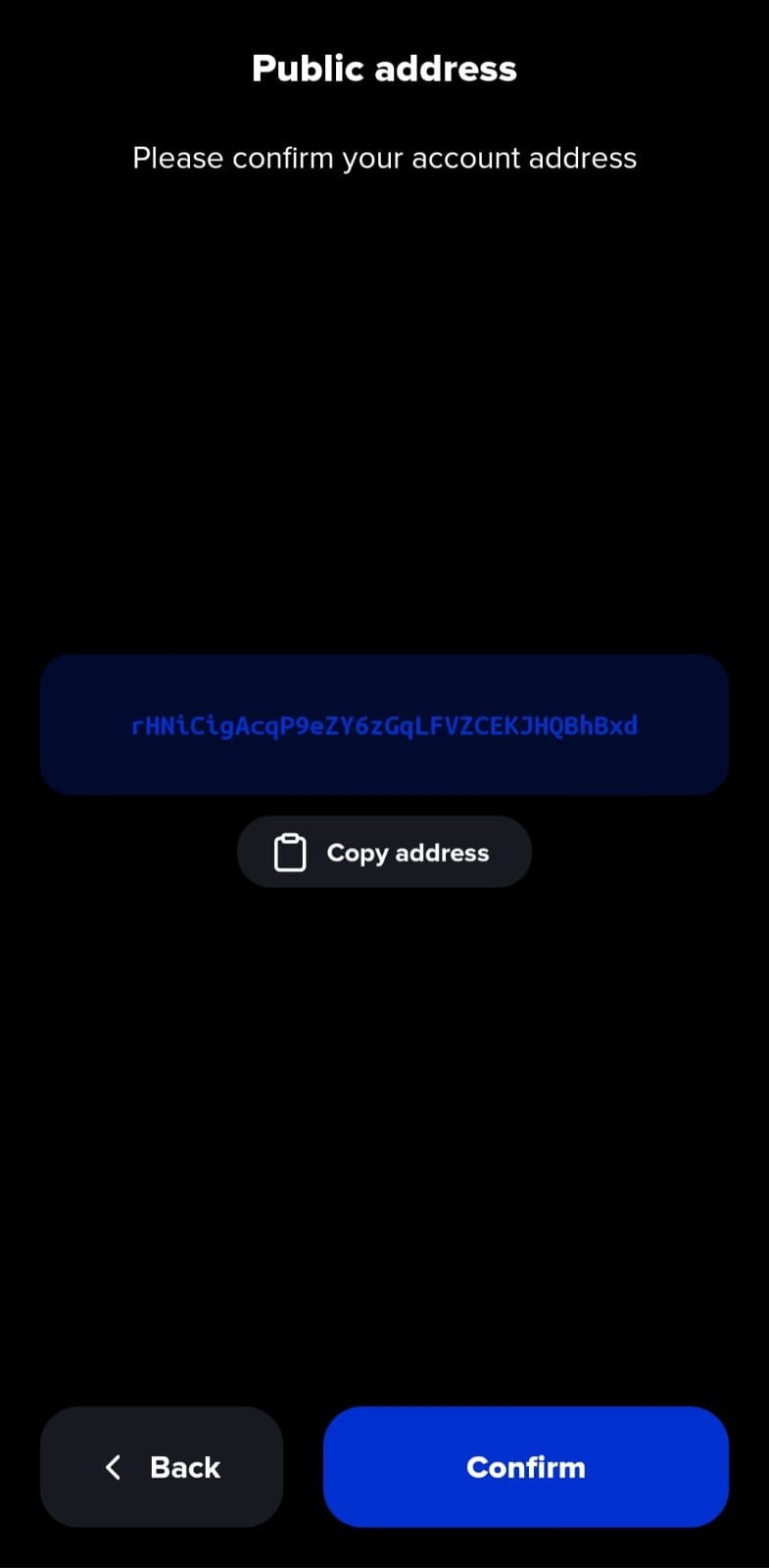
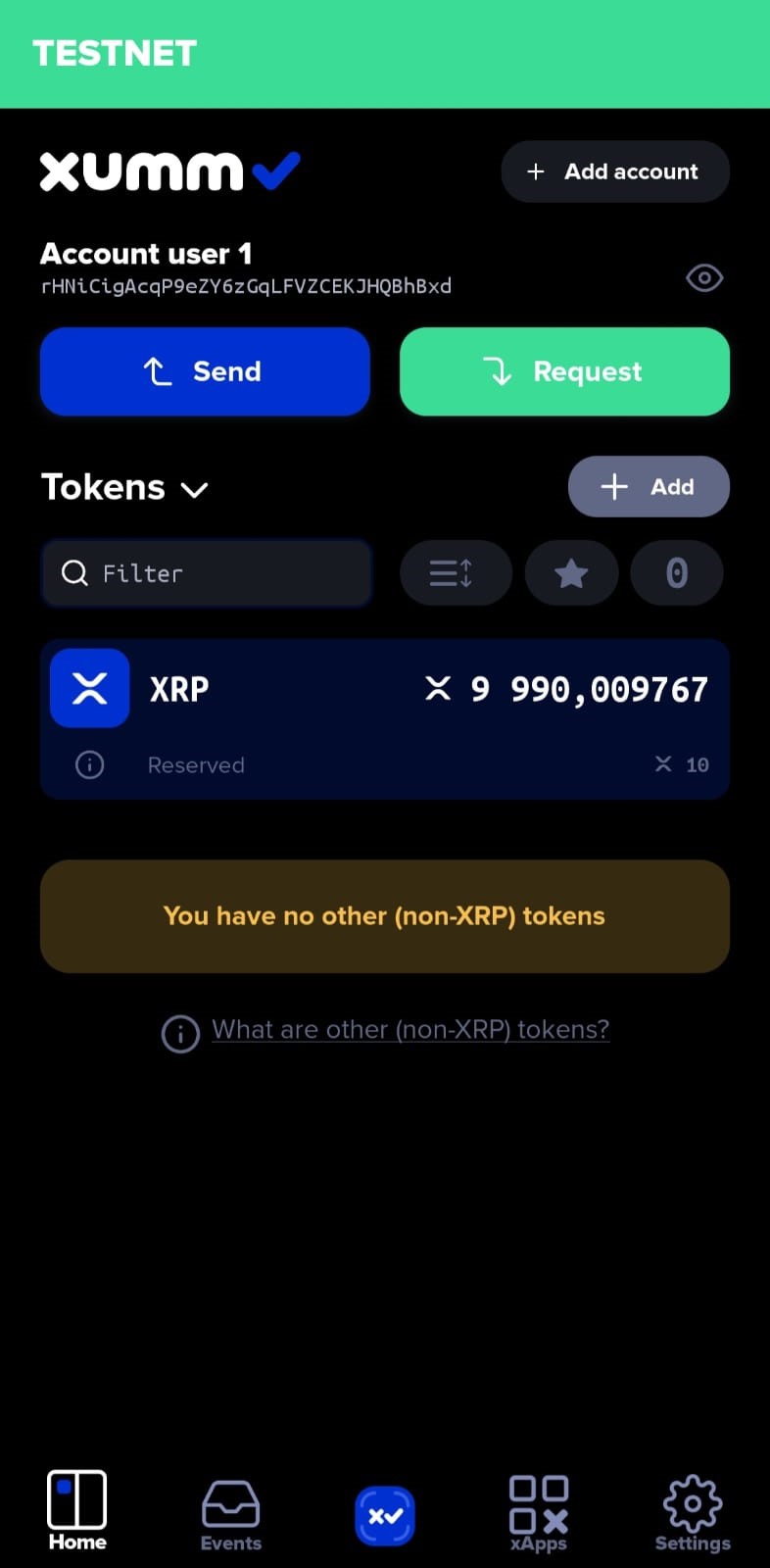
- The user would now be able to view their Mandla Wallet's public account address. Verify this address and select "Confirm". The address of this user account is "rHNiCigAcqP9eZY6zGqLFVZCEKJHQBhBxd".
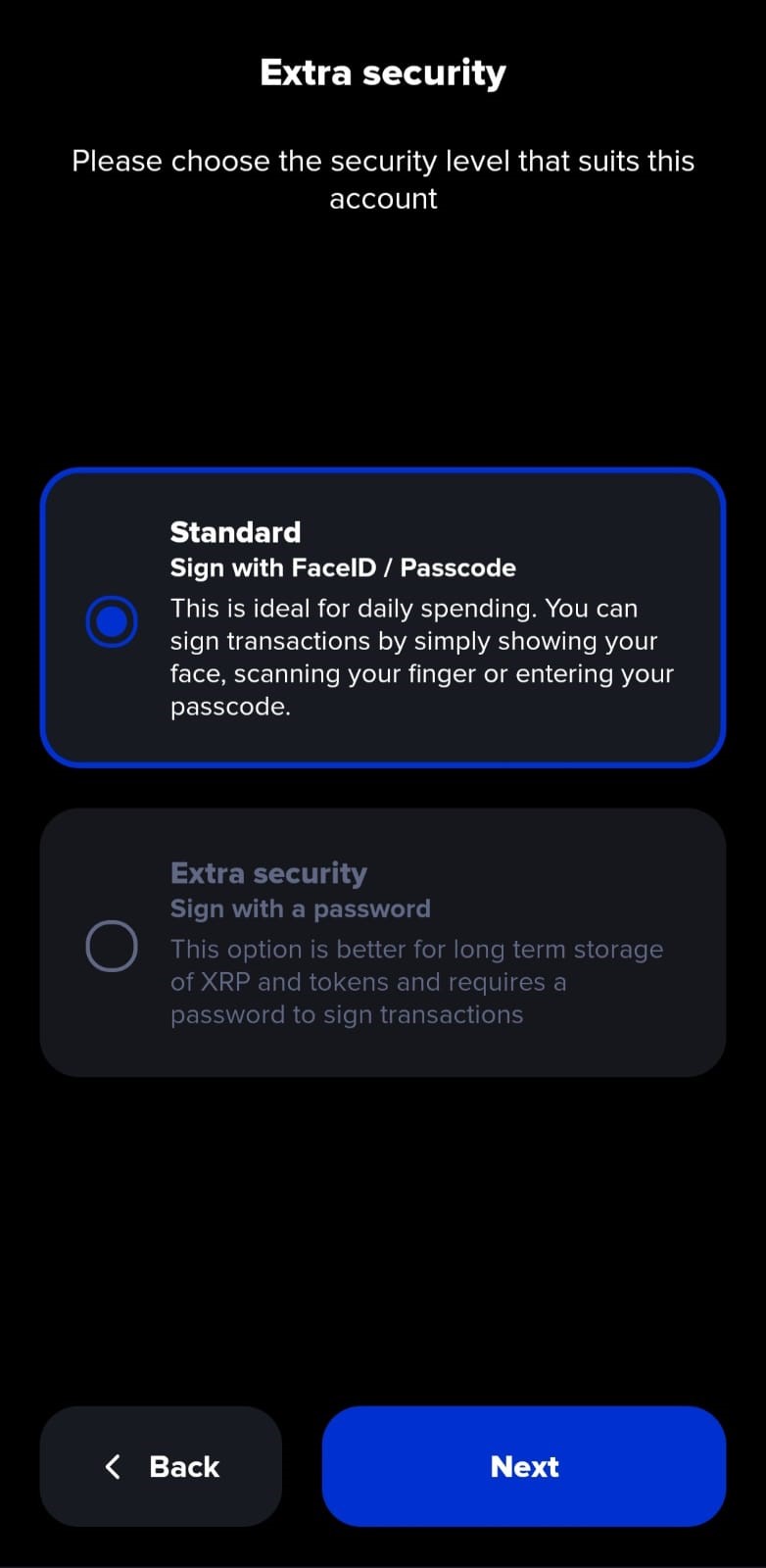
- Setup "Standard"/"Extra Security"
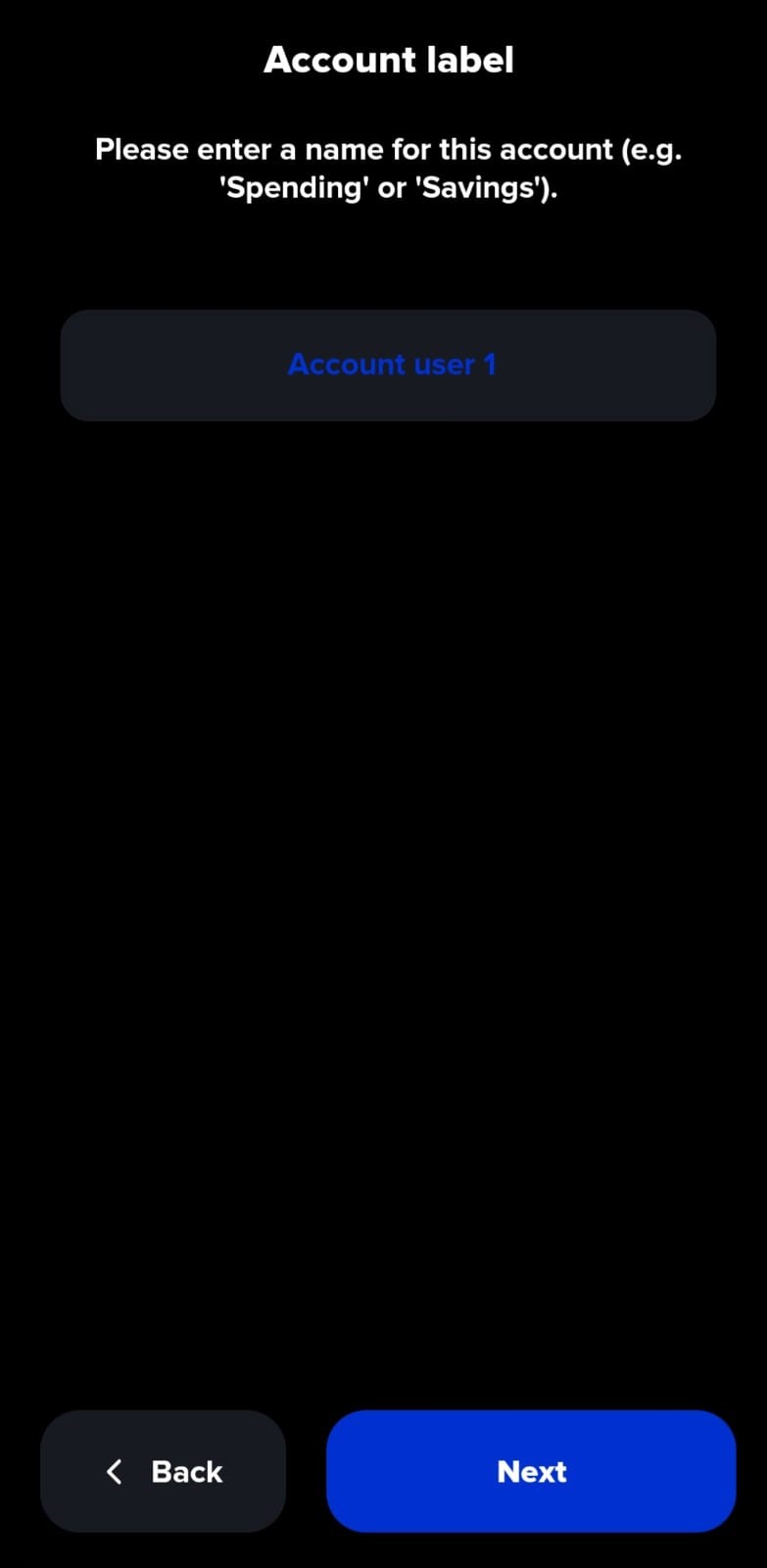
- Enter a name for your account
- The user account is setup and ready to use! A summary of the account can be viewed
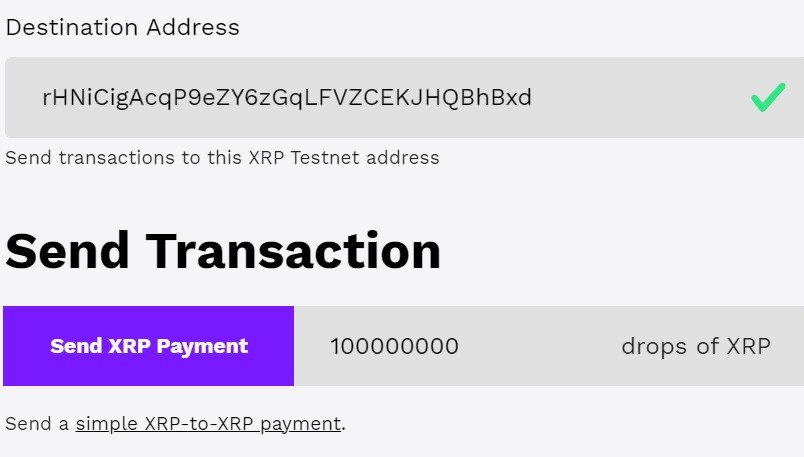
The user's Mandla Wallet can be funded the XRP faucet, an XRP Ledger test network to test changes to the XRP Ledger. For more information, visit XRP faucets
- Enter the public address of the user account. Enter the number of XRP "drops" to be transferred
Using your Mandla Wallet
Once your wallet is funded, you can perform the following operations:
Check Balance: Send an SMS with the command "Balance" to get your wallet balance.
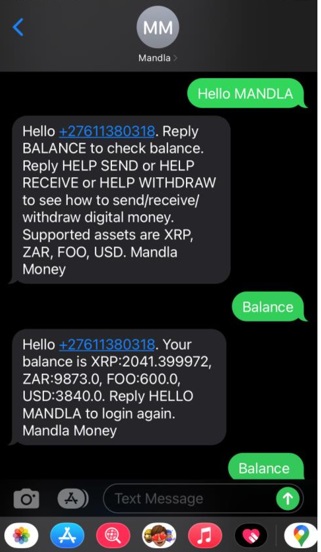
Send Funds: To send XRP or ZAR to another Mandla user in the same country, use the respective commands mentioned in the SMS Wallet Commands section.
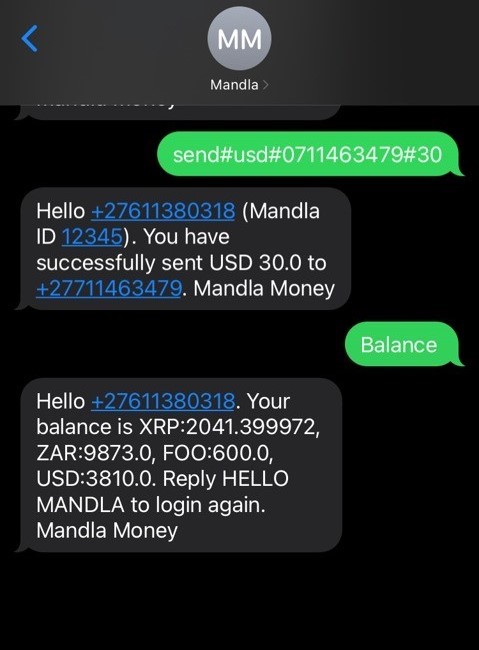
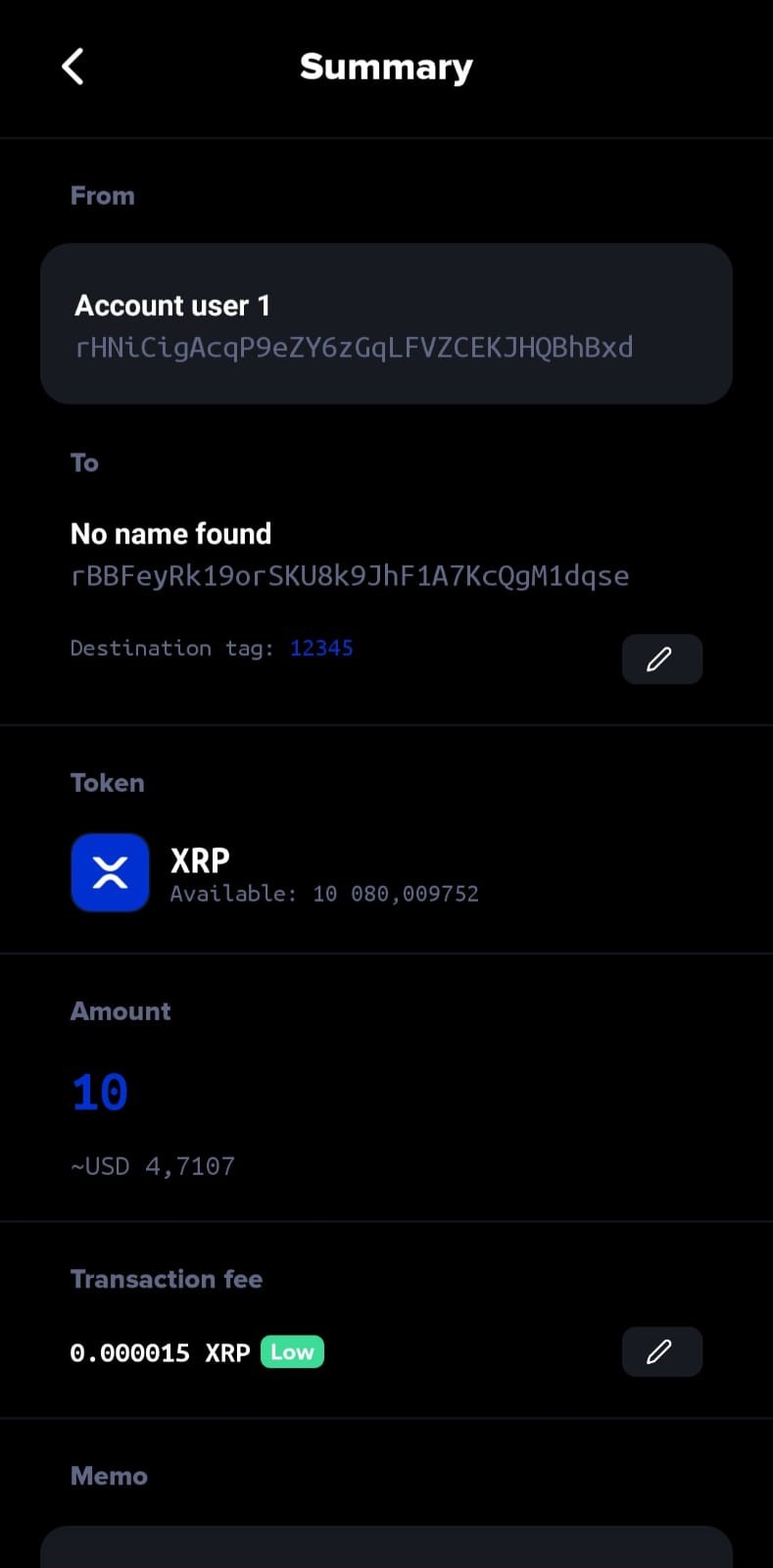
The illustration shows below shows the transfer of funds between two registered Mandla Wallet users on the Testnet version of the XUMM app
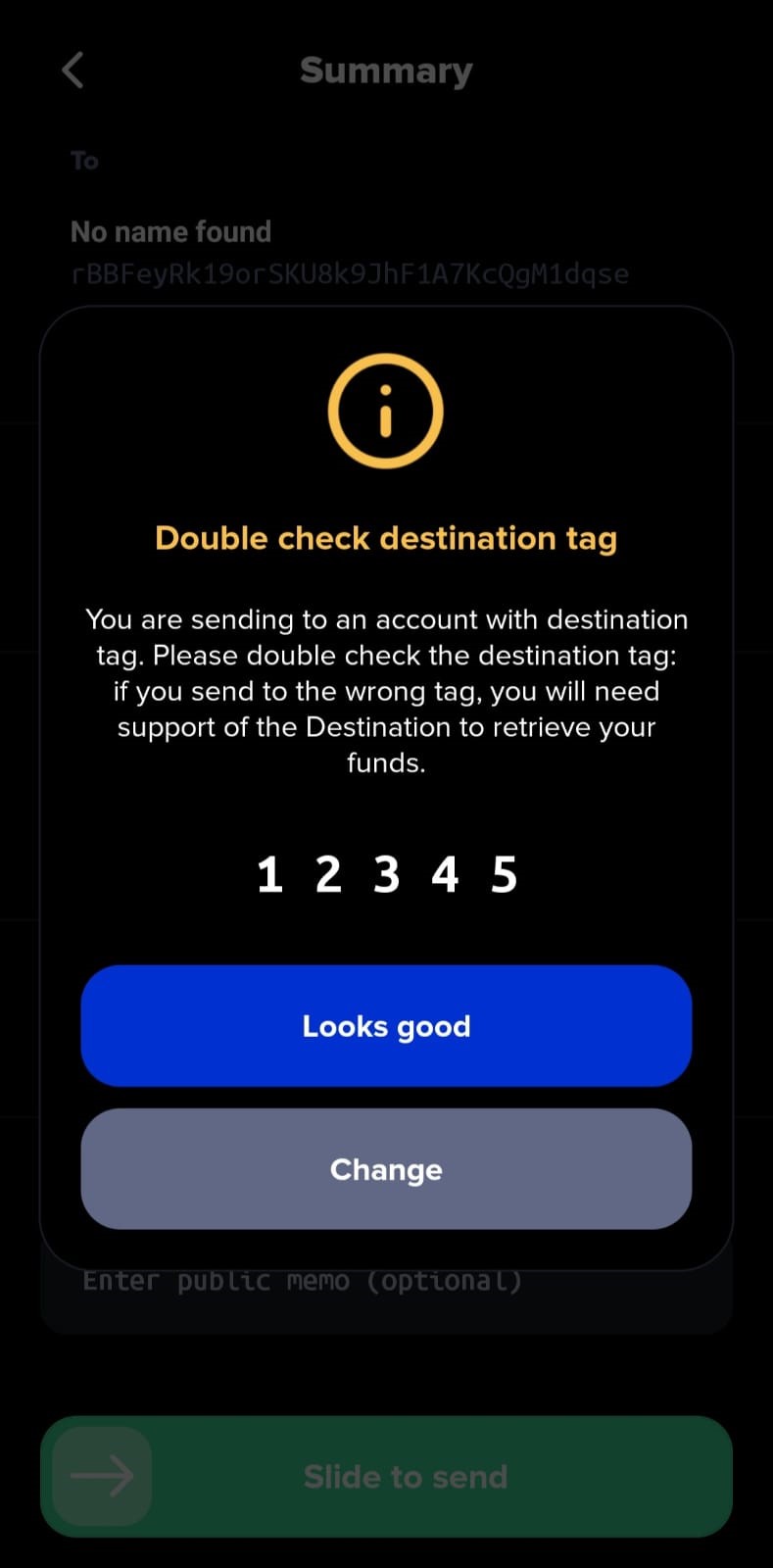
- Select the "SEND" option and enter the public key of the destination account. In this example, XRP is transferred to the Mandla Money custody address with the Mandla ID "12345"
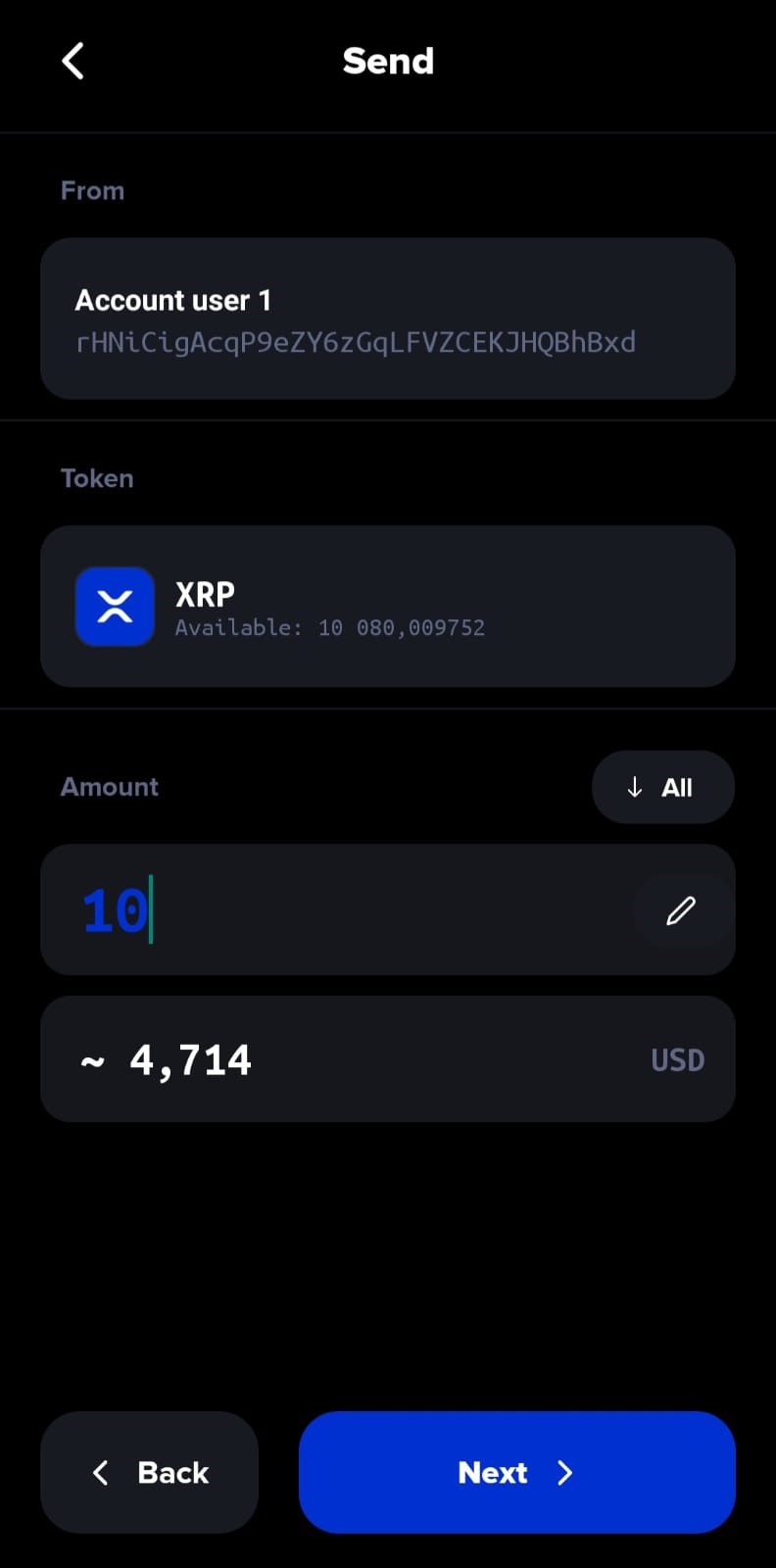
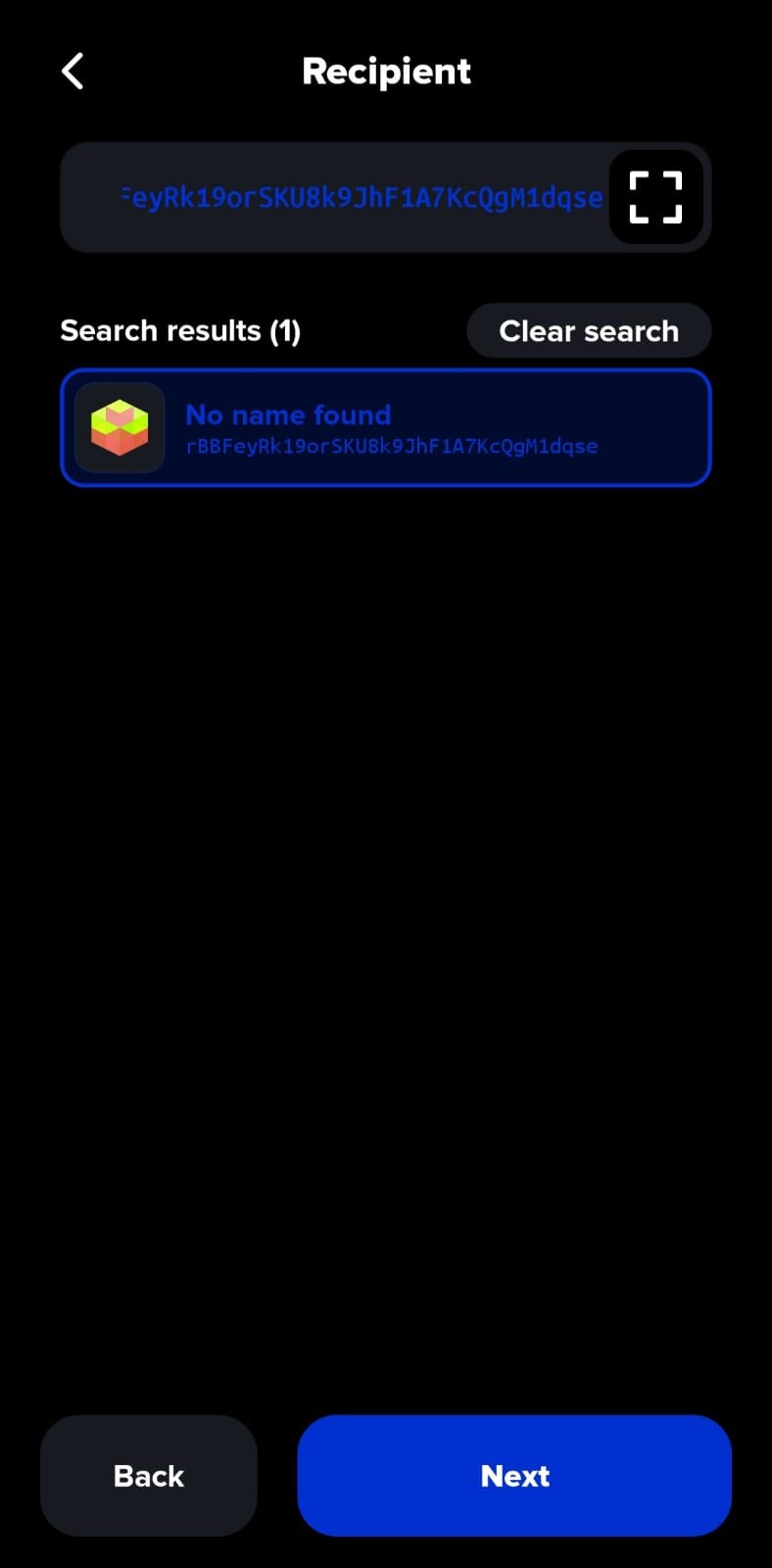
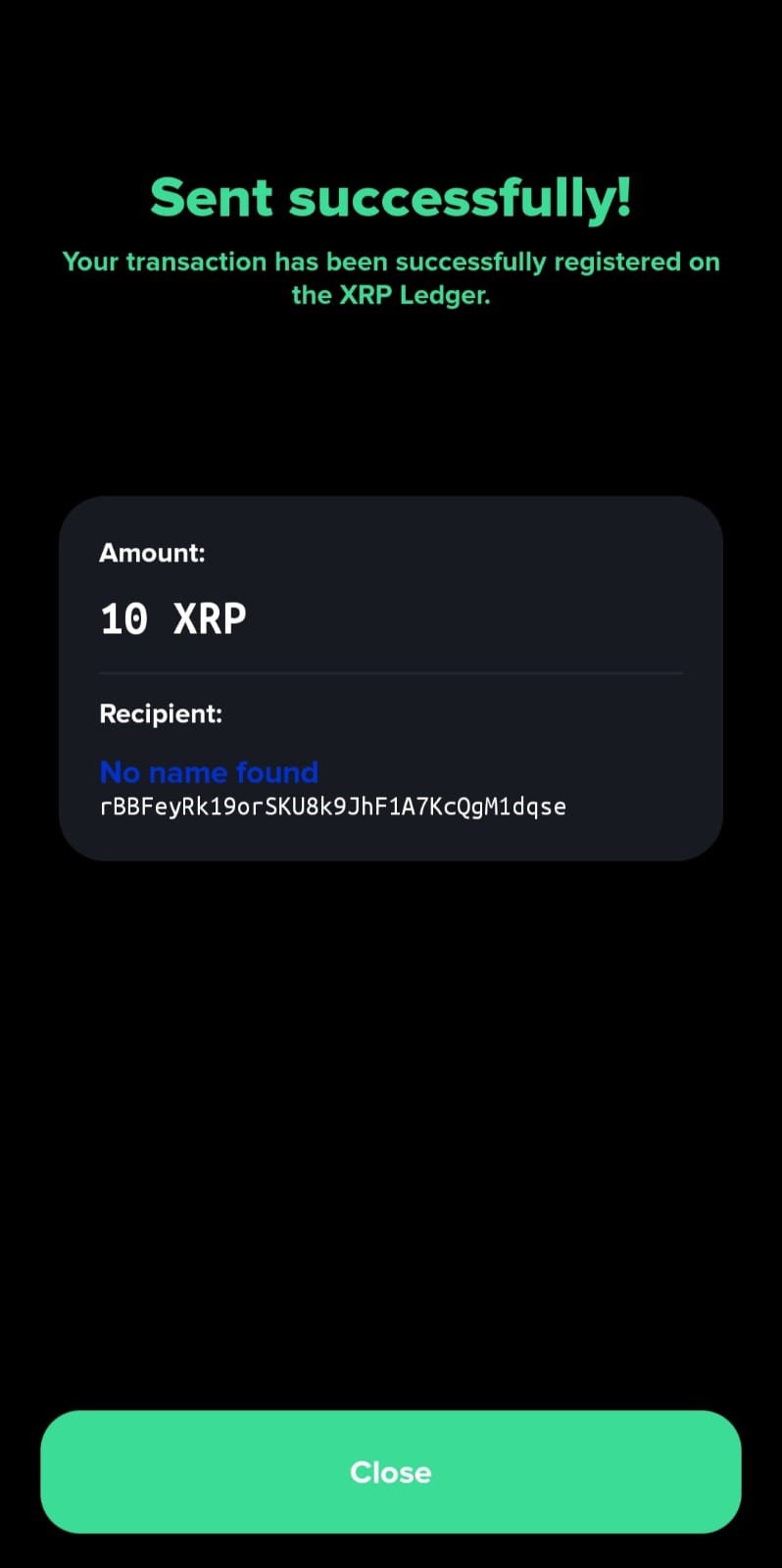
- A summary of the transaction can be seen. The user is required to confirm the Mandla ID. "SEND" is pressed and the transaction is successful.